
Executive summary
The platform you trade on shapes every part of your workflow: how fast orders execute, how easily you can build custom indicators, how good the mobile experience is, whether you can automate strategies, and how much friction sits between an idea and an order.
This guide compares the four platforms that cover 95% of retail forex in 2026: MetaTrader 4 (still the industry benchmark for automated strategies), MetaTrader 5 (its modern successor with multi-asset support), cTrader (the ECN-focused challenger with premium charting), and TradingView (the browser-based charting giant now offering broker-linked execution).
We compare each platform on the dimensions that actually matter — execution model, charting depth, automation, mobile parity and best-fit trader profile — rather than reciting feature lists.
Key takeaways
- MT4 remains the default for EA-driven strategies and forex-only trading.
- MT5 is the more capable modern platform — better for multi-asset and depth-of-market users.
- cTrader offers the best out-of-the-box UX for discretionary scalpers on ECN-style brokers.
- TradingView leads on charting, community and cross-broker analysis; execution depends on your broker's integration.
- The best platform is the one your broker supports at its highest-quality feed — always test on a live-server demo.
MT4
MetaTrader 4 — the industry benchmark, 20 years in
MetaTrader 4 was released in 2005 and remains the most widely offered retail forex platform in the world. Its dominance is not because it is technically superior — MT5 and cTrader are both more modern — but because the ecosystem around it (thousands of custom indicators, Expert Advisors, brokers, VPS providers) is nearly impossible to displace.
For a trader focused exclusively on forex, using EAs, and comfortable with the aging UX, MT4 is still a rational choice. Execution is reliable, MQL4 has an enormous library of published strategies, and virtually every broker supports it at its lowest spread accounts.
The weaknesses are known: no true depth of market, one-position-per-symbol netting only via hedging mode, limited backtesting compared with MT5, and a user interface that feels dated on modern high-DPI screens.
MT5
MetaTrader 5 — modernised, multi-asset and better at everything except EA compatibility
MT5 was released in 2010 and adoption has finally accelerated over the past three years as brokers moved capacity onto it. It adds depth of market, more order types, real economic calendar integration, 21 timeframes (vs 9 in MT4), a vastly improved strategy tester (multi-currency, multi-timeframe, tick-precision), and native support for stocks, futures and crypto CFDs.
The main hesitation for existing MT4 users is EA compatibility. MQL5 is not backward-compatible with MQL4 code, so any strategy you rely on may need porting. If you are starting fresh in 2026, there is little reason to choose MT4 over MT5.
Editor's take
If your broker supports both, run a demo on each. The MT5 strategy tester alone is worth the switch for any trader who backtests seriously.
cTrader
cTrader — the discretionary trader's platform
cTrader was built from the ground up as an ECN-focused platform: level-II depth of market, one-click trading, a modern high-DPI interface, and integrated risk tools (stop and target in pip and cash, R:R visualisation, position calculators). For discretionary scalpers and intraday traders on ECN-style brokers, cTrader offers the best out-of-the-box experience of any retail platform.
Automation uses C# (cAlgo) rather than MetaQuotes' MQL. This is a significant advantage for developers coming from mainstream software backgrounds, but the ecosystem of published strategies is smaller than MT4/MT5.
TradingView
TradingView — charting first, execution via broker integrations
TradingView started as a browser-based charting platform and has grown into a full ecosystem: superior charts with hundreds of built-in indicators, Pine Script for custom studies, social features (published ideas, script marketplace), and multi-asset coverage that includes stocks, futures, crypto and forex.
For execution, TradingView now integrates directly with a growing list of brokers, letting you place trades on your broker's account from within a TradingView chart. Execution quality is only as good as the broker's integration — some are excellent, some are basic. Always test with a small live order before scaling.
For chart analysis, cross-market context and community-driven idea sharing, TradingView has no serious competitor in 2026.
Compare brokers before you deposit
Independent rankings on regulation, spreads, platforms and best-fit trader profiles at BrokerTrusted.
Execution
Execution quality across platforms
| Platform | Depth of market | One-click trading | Best-suited execution model |
|---|---|---|---|
| MetaTrader 4 | No (limited add-on) | Yes (with tweak) | STP / market maker |
| MetaTrader 5 | Yes (native) | Yes | STP / ECN / DMA |
| cTrader | Yes (level II) | Yes (native) | ECN / DMA |
| TradingView | Depends on broker | Yes (via integration) | Depends on broker |

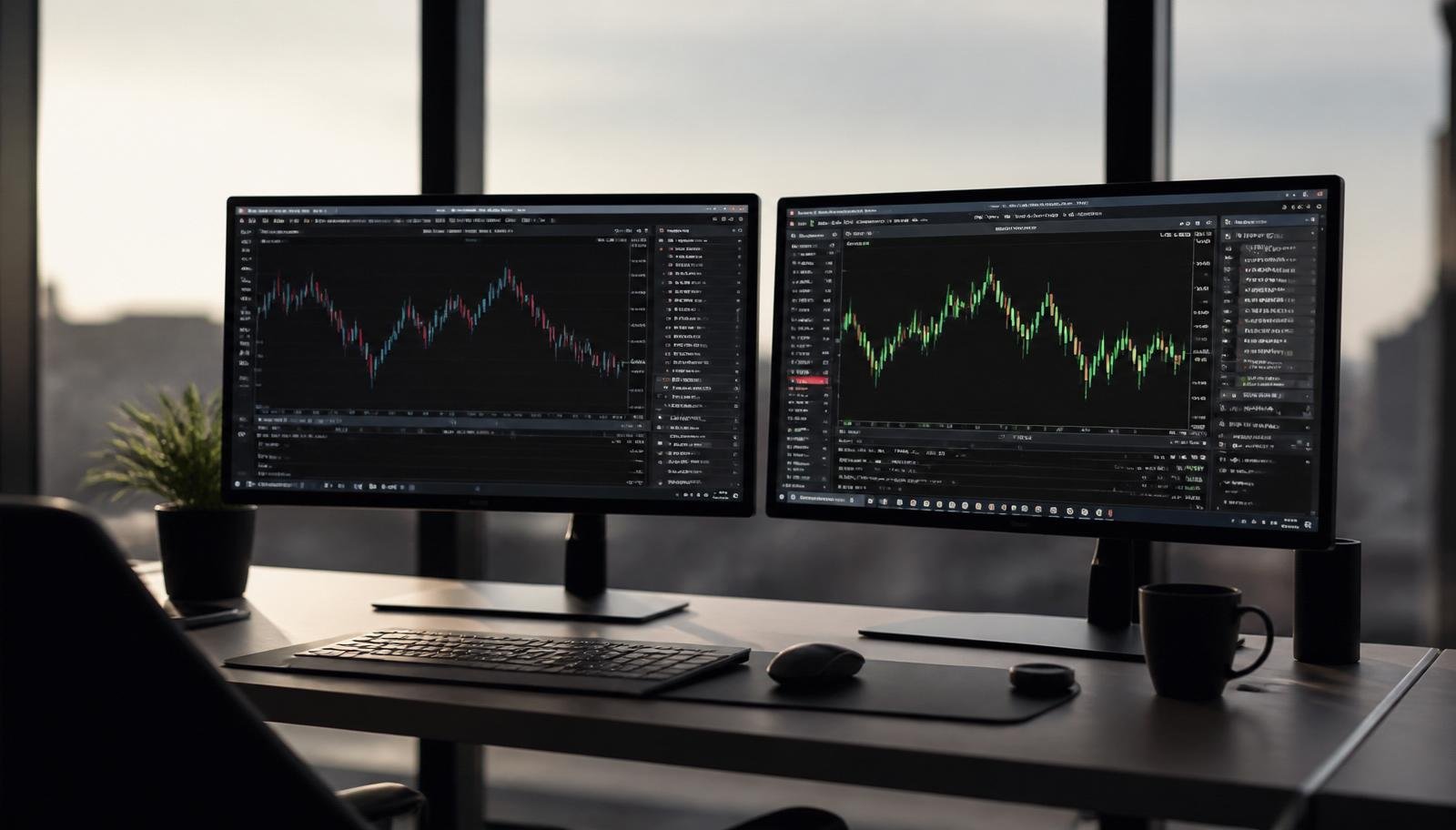
SEO description: Reference image for the section comparing cTrader against MetaTrader for scalping and DMA-style execution.
Automation
Automation and backtesting
For automated trading, the practical question is: which language do you (or your developer) prefer, and how good is the backtester? MQL4 has the largest published ecosystem but the oldest tester. MQL5's tester is dramatically better — genuinely tick-precision, multi-currency and cloud-parallelisable. cTrader's cAlgo uses C# with Visual Studio integration, which is a productivity win for professional developers. TradingView's Pine Script is excellent for signal generation but limited for full automated execution.
Mobile
Mobile apps — parity varies wildly
In 2026, most retail traders spend at least part of the day monitoring positions on mobile. MT4 and MT5 mobile apps are functional but visually dated. cTrader mobile has the best UI parity with its desktop counterpart. TradingView mobile is the clear leader for charting on the go, with browser-quality drawing tools and full indicator support.
For serious execution on mobile — placing orders, adjusting stops, managing multiple positions during volatility — cTrader and MT5 are the most reliable. TradingView mobile is preferred when analysis matters more than execution speed.
Fit
Choosing the right platform for your profile
| Trader profile | Recommended platform |
|---|---|
| EA-driven forex trader with existing MQL4 code | MetaTrader 4 |
| Beginner starting fresh in 2026 | MetaTrader 5 or cTrader |
| Discretionary scalper on ECN broker | cTrader |
| Multi-asset trader (forex + stocks + crypto) | MetaTrader 5 or TradingView |
| Chart-driven discretionary trader | TradingView |
| Professional developer building custom strategies | cTrader (C#) or MT5 (MQL5) |
Checklist
Before choosing a platform — the 5-point test
Step-by-step checklist
- 1Does your target broker support the platform on its lowest-cost account type?
- 2Test the platform on a demo hosted on the live server (not the marketing demo).
- 3Verify order placement speed and slippage during a volatile session.
- 4Confirm the mobile app has real feature parity with desktop.
- 5Check the backtest quality if you plan to automate — data quality and tick precision matter.
Compare brokers before you deposit
Independent rankings on regulation, spreads, platforms and best-fit trader profiles at BrokerTrusted.
Recommended internal reads
Trusted external sources
Verified references from high-authority sources supporting the regulation, platform and investor-protection concepts in this guide.
See the best forex brokers ranking
Before opening an account, compare brokers by regulation, spreads, platforms, reputation, bonuses, support and trader profile. The BrokerTrusted ranking helps you filter options with clarity.
See best forex brokersFrequently asked questions
Which is better, MT4 or MT5?
MT5 is technically superior in almost every dimension — better backtesting, native depth of market, more timeframes and multi-asset support. MT4 remains relevant only because of its enormous ecosystem of legacy Expert Advisors. For a fresh start in 2026, choose MT5.
Is cTrader better than MetaTrader for scalping?
For discretionary scalping on ECN-style brokers, cTrader has the best out-of-the-box UX: native depth of market, one-click trading, integrated risk tools and a modern interface. For automated scalping using existing MQL4 code, MT4 is still the practical choice.
Can I trade forex on TradingView?
Yes. TradingView has grown from a charting platform into a full execution environment via broker integrations. Execution quality depends on the broker's integration — some are excellent, some are basic. Test with a small live order before scaling.
Which platform is best for beginners?
For beginners in 2026, MT5 or cTrader are both good choices. MT5 has broader broker support and a larger educational ecosystem. cTrader has a cleaner interface and better integrated risk tools. Neither will limit a beginner's growth for years.
Do I need to pay for a trading platform?
No. MT4, MT5 and cTrader are all provided free by brokers. TradingView has a free tier that is sufficient for most retail traders; paid tiers unlock more indicators, more open charts and faster data.
Can I use multiple platforms at once?
Yes, and many professional traders do. A common setup is TradingView for analysis and idea generation, MT5 or cTrader for execution, and mobile apps for monitoring on the go. The only requirement is that your broker supports the execution platform you choose.
Related articles

How to Choose a Trusted Forex Broker in 2026: The Complete Due-Diligence Guide
A senior-level guide to picking a trusted forex broker in 2026 — how to verify regulation, evaluate segregation of funds, compare real costs and spot red flags before you deposit.
Forex Spreads and Real Trading Costs in 2026: How to Compare Brokers Like an Analyst
Learn how to compare forex brokers by their real trading cost — spread, commission, swap and slippage — with worked examples on major and minor pairs.
Forex Technical Analysis 2026
The indicators, patterns and price action that actually work — platform-agnostic.
How to Read Forex Charts — Beginner's Guide
Start-here guide to candlesticks, timeframes and structure.